
CNC.myWerkzeug.de
Browser-based CNC software: from design to finished part
Draw, plan toolpaths, preview in 3D and control your router straight from the browser. One application, no installation and no extra program.
Free with an account · runs in Chrome and Edge · works offline
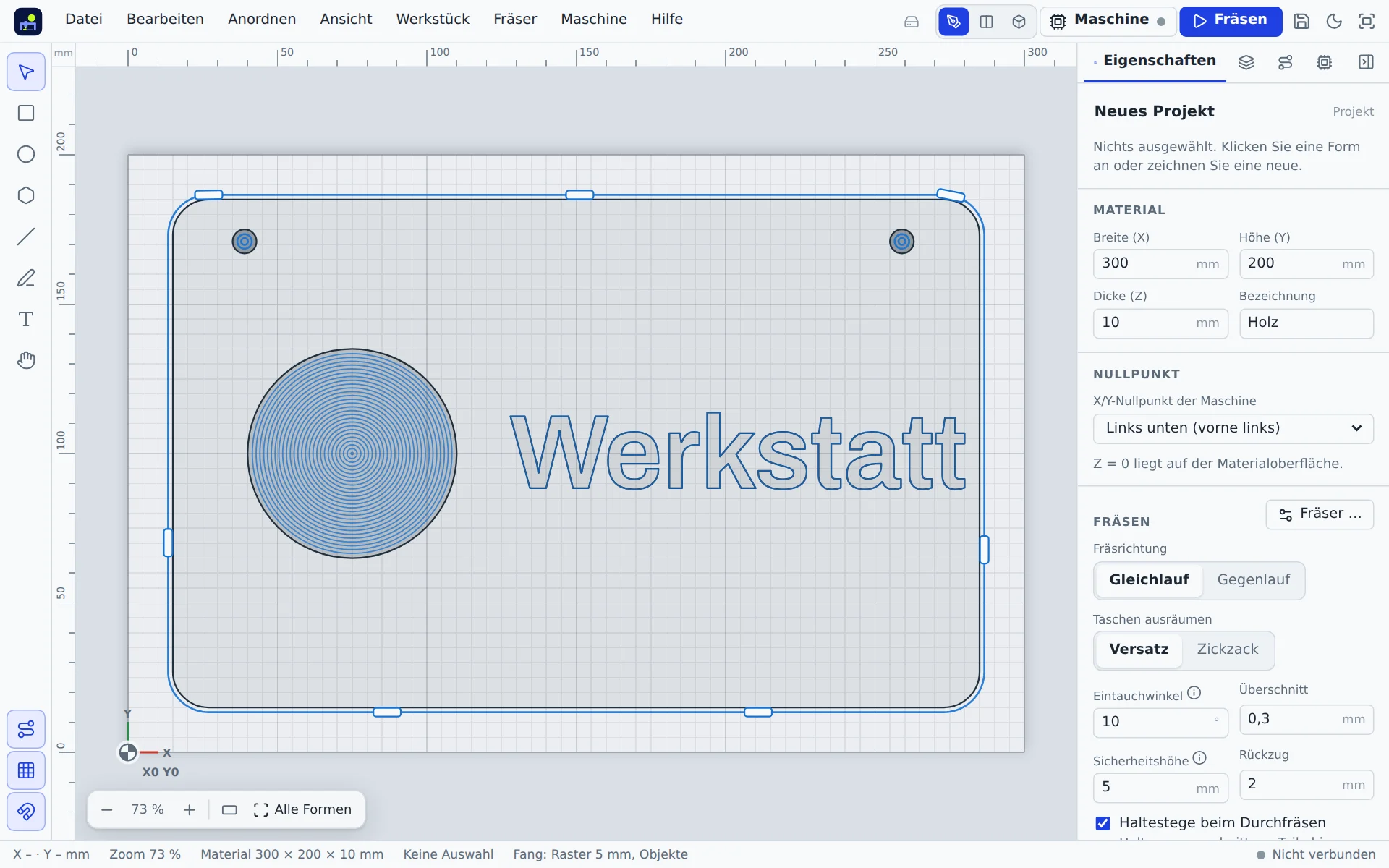
Everything you need to carve
Draw and design
Shapes, text with fonts and layers, accurate to the millimetre. Import or trace SVG, DXF, PDF and images.
Toolpaths at the click of a button
Contour, pocket, drilling, V-carving and inlay. The app suggests speed, feed and depth of cut for your material.
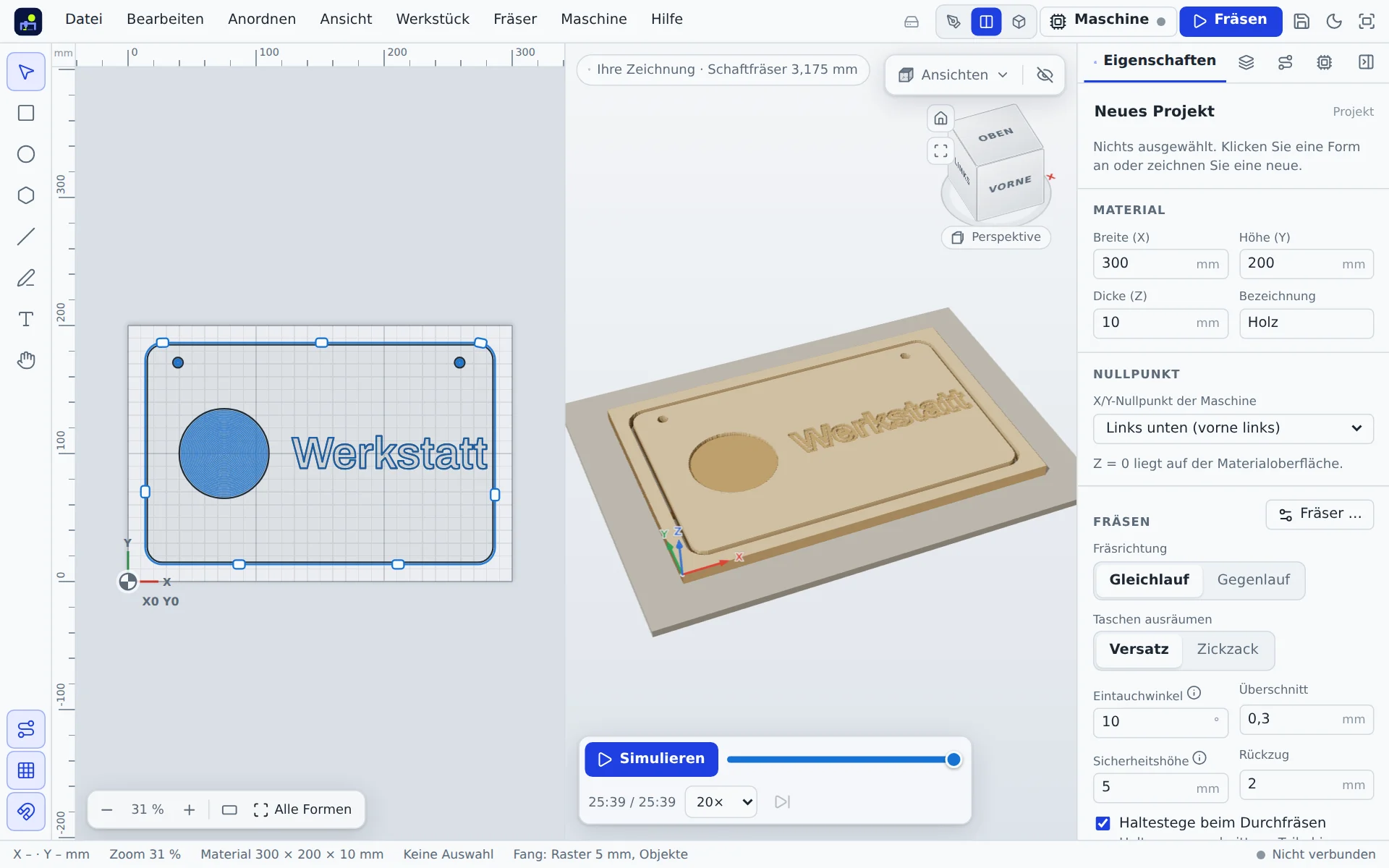
3D preview and simulation
See what you will get before the first chip flies: material removal layer by layer, run time, unreachable spots in red.
Control your router over USB
Control Grbl, grblHAL and FluidNC machines such as the TwoTrees TTC450 without drivers or extra software (Web Serial).
Carve wizard
Guides you through material, clamping, homing, bit, zero point and probing. Resume from a line after an abort.
Reliefs and circuit boards
Reliefs from STL or height map, height steps and layer model. Mill, drill and cut out circuit boards from Gerber files.
Templates and help
Over 60 templates from signs to circuit boards with build instructions, plus a help centre with a G-code reference.
Offline and mobile
Installable as an app and works without a network. Your phone becomes a handwheel. Test report as PDF and maintenance reminder.
From idea to part in four steps
- DrawShapes, text or import from other programs.
- ToolpathPick cut type, depth and bit; the app calculates the paths.
- SimulateCheck it in 3D, review run time and warnings.
- CarveThe wizard leads you to the start, the app runs the machine.
A look inside the app


Who is it for?
For hobby machinists, makerspaces, schools and small workshops that work with a Grbl router and want one program that joins drawing, planning and carving, runs on any computer and is easy to learn.
Frequently asked questions
What does CNC.myWerkzeug.de cost?
Currently nothing: the app is free to use with a myWerkzeug account. You need the account so that your projects and settings are available on all your devices.
Do I have to install anything?
No. The app runs in the browser. You can install it as an app, and it then also works without internet.
Which browsers and machines are supported?
To carve you need Chrome or Edge on a computer or Android, because only they offer the USB interface (Web Serial). Drawing, planning and simulating work in any modern browser. Machines with Grbl, grblHAL or FluidNC are supported.
Can I carve G-code from other programs?
Yes. You can open a G-code file, preview it and carve it. Conversely the app exports G-code per bit, also as a ZIP with project and overview.
Is carving safe?
The app checks for obvious errors and guides you through every step, but it never replaces the attention of the person at the machine. An emergency stop on the machine must always be within reach; Stop in the app is not an emergency stop.
Where is my data stored?
Projects and settings are stored in your account in a database in Germany. The app uses no advertising or analytics services.
Try it now
Create an account, open the app, pick a template, carve. The demo machine shows everything, even without a router.