
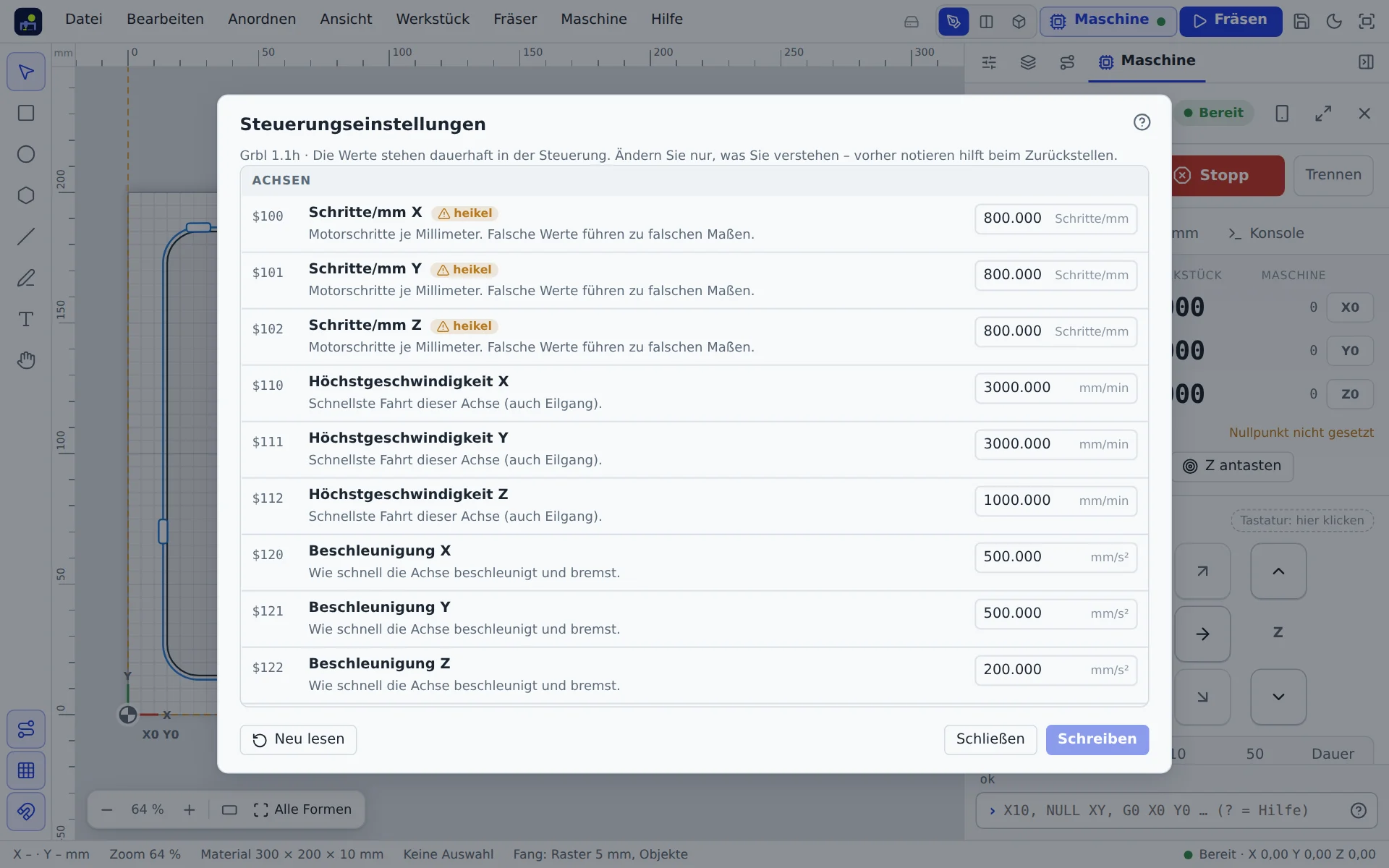
Machine → Controller settings … lists all settings of the connected controller with name, unit and explanation, sorted into groups. They are stored in the controller and apply whichever program you cut with.
Changing values
Enter the new value and apply it. Critical values (steps per mm, directions, laser mode and the like) are only changed after you confirm.
Important settings
| Number | Meaning |
|---|---|
| $100–$102 | steps per mm in X, Y, Z: decides whether sizes are right |
| $110–$112 | maximum speed per axis |
| $120–$122 | acceleration per axis |
| $130–$132 | travel per axis |
| $20, $21, $22 | soft limits, hard limits, homing |
| $3 | invert axis direction |
| $30 | maximum spindle speed |
All settings with explanations are in the G-code reference.
Sizes are wrong?
Cut a 100 mm rectangle and measure it. New steps per mm = old value × 100 ÷ measured length. But first check for backlash and loose belts; they are the more common cause.
Read machine again
Machine → Read machine again fetches all values fresh from the controller, stores corner, limit switches and values in the profile and shows differences to the profile.
Commands you send yourself in the command line ($110=3000) are also taken over into the app's display.